If you’ve ever asked yourself, “What can I do to rank my blog post faster?”, you’re not alone. You publish a post, share it once on social media, and then spend the next three weeks hitting refresh on Google Search Console wondering why nothing moves. If that sounds familiar, the problem probably isn’t your writing. It’s the order of operations. Ranking a blog post faster isn’t about tricks or luck. It’s a repeatable process with predictable steps that most bloggers skip or do in the wrong sequence.
Every guide on AISEO Round Table, including the KWFinder review and the on-page SEO walkthroughs, is built around one core principle: stop guessing and start doing the right things first. The 11 tactics below are organized into six phases, from keyword selection through tracking, so you can work through them in order and give every new post its best shot at early visibility.
Quick checklist: What can I do to rank my blog post faster?
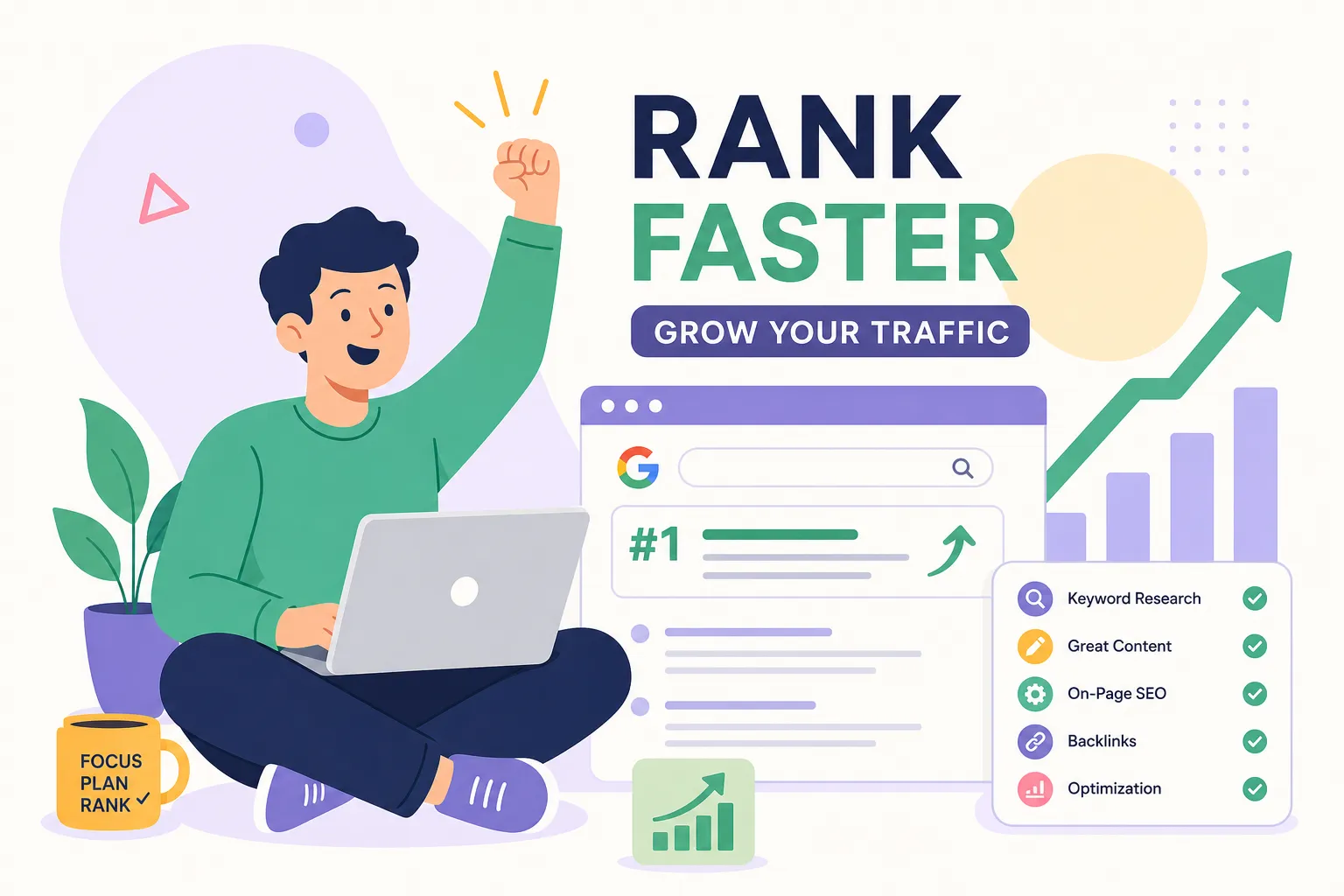
Before diving into each phase, here’s the sequence at a glance: pick a winnable keyword, request indexing right after publishing, nail your title tag and opening paragraph, add internal links on day one, promote to your email list, earn a few targeted backlinks, and then track impressions and position in Google Search Console. Work through the phases below in order and you’ll cover every step that consistently accelerates SEO for new posts.
1. Choose keywords you can actually win before you write a single word
Keyword selection is the single biggest lever controlling how fast a post ranks. No amount of great writing or clever promotion overcomes a keyword that’s simply too competitive for your current site authority. Before you open a blank document, you need to know whether the keyword you’re targeting gives you a realistic path to the first page.
Why keyword difficulty directly controls your ranking timeline
The pattern across low-authority sites is consistent enough to plan around. Low-competition keywords can rank in roughly 2, 12 weeks on a newer site. Medium-competition keywords typically take 3, 6 months. High-competition keywords can take 6, 12 months or longer, even with good content and active link building. For a blog that’s less than a year old, high-difficulty keywords aren’t just slow, they’re often a dead end, at least for now.
How to find quick-win keywords with a tool like KWFinder
For a new or lower-authority site, aim for keywords with a difficulty score well under 30 when possible, treat the 30, 35 range as a soft ceiling rather than a hard rule. Long-tail queries, meaning specific multi-word phrases, tend to sit in that range because fewer established pages are competing for them. They also carry clearer intent, which makes it easier to match your content to what the searcher actually wants. The KWFinder review on this site walks through exactly how to find and filter for these low-difficulty targets without needing an enterprise-level budget.
Matching your post to exactly what the searcher wants
Search intent is the filter Google applies before ranking anything. A post written as a how-to guide won’t outrank a product comparison page if the top results for that keyword are all comparisons. Before you write, search your target keyword, look at the top three results, and ask whether your planned format matches what Google is already rewarding. If it doesn’t, adjust the angle or choose a different keyword.
2. Get your new post indexed faster with the right technical setup
Writing the post is only half the work. If Google doesn’t know it exists, or can’t crawl it cleanly, nothing else matters. Two technical steps consistently speed up discovery: using Google Search Console’s URL Inspection tool and keeping your XML sitemap clean. Together, these are the foundation of fast indexing for blog posts. (For a practical walkthrough on indexing after publish, see this guide on how to index on Google after publish.)
How to request indexing in Google Search Console
Open Google Search Console, paste your new post’s URL into the URL Inspection tool, run the live test to confirm the page is accessible and not blocked by a noindex tag, and then click “Request Indexing.” This queues the page for a priority crawl. It won’t guarantee same-day indexing, but it puts your post at the front of the line rather than waiting for Google to find it on its own. This works best when the post already has internal links pointing to it from indexed pages, so don’t skip the next section.
What your XML sitemap needs to include
Your sitemap should contain only canonical, indexable URLs, no paginated pages, no duplicate variations, no content tagged with noindex. A bloated sitemap filled with low-value URLs wastes crawl budget and can slow down how quickly Google discovers your important new content. Keep your sitemap set to auto-update so new posts appear in it the moment you publish.
3. On-page optimization moves that signal relevance immediately
Once your post is discoverable, Google needs to understand what it’s about within the first few seconds of crawling it. Three on-page elements carry most of that early signal weight. (If you want a deeper reference, this on-page SEO guide explains these elements in more detail.)
Writing a title tag that tells Google exactly what the page is about
The title tag is one of the strongest on-page relevance signals for early rankings. It’s what search engines read first, and it’s what shows up in the search result. A strong title tag leads with the primary keyword, stays specific, and reads like something a real person would actually click on. Keep it reasonably short, commonly recommended around 50, 60 characters, to reduce the risk of truncation in the SERP.
A header structure that reads like a clear content outline
Your H1 should match the query intent directly. Your H2s should map to the main subtopics a reader would expect to find covered. H3s add depth without fragmenting content into sections that are too thin to be useful. This hierarchy helps Google interpret your page’s topical focus quickly, which matters more in the first few weeks than most bloggers realize.
Opening your post with the answer, not a warm-up
The opening section of your post carries disproportionate weight as an early ranking signal because it tells Google whether the page matches the query intent. Answer the core question in your opening paragraph, then use the rest of the post to develop it fully. Lengthy setup paragraphs that delay the main point are the most common on-page mistake that suppresses early performance. (For tactics that help pages appear in answer boxes and similar formats, see How to Optimize for Answer Engines.)
4. Internal linking: the fastest free ranking signal you’re probably underusing
Adding internal links on the day you publish is one of the highest-leverage actions you can take for a new post. It costs nothing, takes only a few minutes to a quarter-hour depending on your site size, and directly speeds up both indexing and early authority signals. (If you want a practical external primer, this internal links guide covers common patterns and pitfalls.)
Which existing pages to link from
Google uses internal links to discover new pages and to infer how important they are relative to the rest of your site. Link to the new post from pages that are already indexed, receive regular traffic, and cover a related topic. A link from a high-performing post in the same niche carries significantly more weight than a link from an unrelated or rarely-crawled page. Linking from a couple of strong, relevant pages on publish day can meaningfully reduce how long it takes Google to first crawl the post.
How to write anchor text that signals relevance without over-optimizing
Descriptive anchor text helps Google understand what the linked page is about. Generic phrases like “click here” or “read more” contribute nothing to relevance. Use natural, topic-relevant phrases that vary across your linking pages, an exact-match phrase in one place, a partial match in another, and a descriptive variation in a third. Varying your anchor text keeps your internal linking pattern looking natural and avoids appearing overly optimized.
5. Early promotion and backlink outreach that produces real ranking lift
Promotion isn’t optional if you want to rank a new blog post quickly. The tactics below are ranked by how fast they typically move rankings, not by how easy they are.
Send it to your email list first
Your email list is the fastest way to generate early clicks and engagement signals because you’re reaching people who already trust you. Send the post within 24 hours of publishing. For evergreen content, resurface it in a future email as a related resource. This drives initial traffic that supports early ranking signals in a way that cold social promotion simply can’t replicate.
Targeted link outreach beats a hundred cold emails
The fastest ranking improvements from backlinks come from earning a small number of links from relevant, authoritative sites. Identify 5, 10 sites in your niche that have covered related topics and linked to similar content before. Write a short, personalized pitch that explains specifically why your post would be useful to their readers. Keep the email under 150 words, reference something specific on their site, and end with one simple ask. Niche relevance and genuine personalization are what separate outreach that earns links from outreach that gets ignored.
Where social media fits in
Social posting is a secondary amplifier. It helps with distribution and can seed visibility, but it produces ranking impact much more slowly than earned backlinks. Use it, but don’t confuse it with a primary ranking strategy.
6. How to track whether your tactics are actually working
You need data to know whether to keep pushing a post or adjust your approach. Two tools give you most of what you need: Google Search Console and a dedicated rank tracker.
What to watch inside Google Search Console in the first four weeks
Start with the Coverage report to confirm the post is indexed. Then move to the Performance report and watch for impressions. Seeing impressions before clicks is a positive early signal. It means Google is surfacing the page in search results even if the ranking position isn’t strong yet. Average position dropping from 45 to 28 over two weeks means your tactics are working. No impressions at all after two weeks usually points to an indexing or relevance problem that needs fixing.
Using a rank tracker to catch early movement
Search Console data is delayed and aggregated, which makes it hard to spot position changes in real time. A dedicated rank tracker gives you more granular position data faster. Set up tracking for your target keyword and two or three related variants on the day you publish. Early movement from position 40 to position 25 tells you the post needs continued support, not a full rewrite, and that distinction saves a lot of wasted effort.
Turn this checklist into a publishing habit
If you keep asking “what can I do to rank my blog post faster,” the honest answer is: do the right things in the right order, both before and after you hit publish. The sequence matters. Target winnable keywords, set up fast indexing, nail your on-page basics, build internal links on day one, promote to your list, earn relevant backlinks, then track what actually moves.
If you want step-by-step walkthroughs for any of these tactics, including how to find low-competition keywords with KWFinder, how to set up Google Search Console from scratch, or how to audit your on-page optimization, the guides on AISEO Round Table, including The Ultimate Guide to SEO: Rank Higher in 2025, cover all of it in plain language built specifically for bloggers and small site owners who don’t have an agency on speed dial.
Pick one tactic from this list and apply it to a post you published in the last 30 days. Internal linking and requesting indexing through Search Console are quick wins that consistently produce the fastest early results. Small, consistent actions compound into real ranking momentum over time.