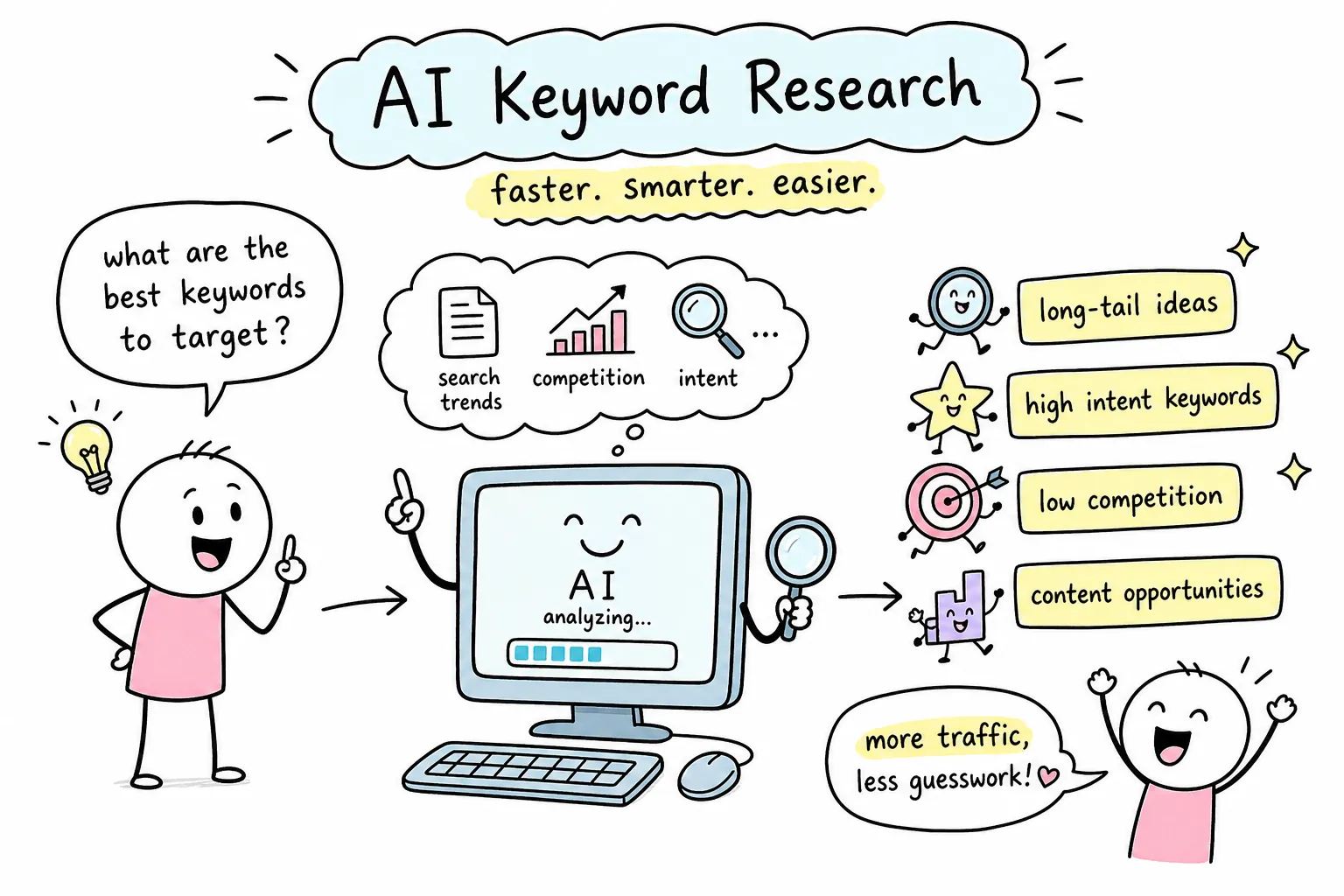
How can AI automate keyword research for SEO? That question sits at the center of one of the most common frustrations in content marketing: manual keyword research takes hours, and the output is usually a messy spreadsheet with hundreds of terms, no clear priority order, and no signal telling you which ones actually deserve content. Many beginners struggle to push through that stage, often publishing content based on gut feel because sorting and grouping the list feels overwhelming. AI doesn’t eliminate keyword research. What it does is compress the slowest, most repetitive parts of the process so you can spend your time making decisions instead of building lists.
At AISEO Round Table, the shift toward AI-assisted keyword workflows has been one of the most consistent themes running through our SEO tool coverage and tutorials. We keep seeing the same gap: AI tools are genuinely capable of handling expansion, grouping, and intent tagging faster than any manual process, but most beginners haven’t seen a clear walkthrough of how to set that up without an enterprise budget. This article gives you exactly that, including the one validation step that most people skip and then pay for later with wasted content. Understanding how AI can automate keyword research for SEO, from seed expansion through to a validated content plan, is what we’re covering from start to finish.
What AI actually automates in the keyword research process
How can AI automate keyword research for SEO: going from seed keywords to hundreds of ideas instantly
The core mechanic is called automated keyword expansion, and it works like this: you give an AI tool a starting keyword or topic, and it returns semantically related terms, question variants, and long-tail modifiers at a speed no manual spreadsheet process can match. This isn’t random generation. The AI draws on language patterns and co-occurrence data to surface terms that share meaning with your seed input. Feed it “email marketing” and it returns clusters around automation workflows, deliverability issues, subject line testing, and re-engagement sequences. All are related, all useful, and all produced in seconds.
The practical value here is scale without the hours. A manual brainstorming session typically produces a few dozen keyword ideas. An AI-driven expansion of the same seed can return 200 or more terms organized by theme. The raw output still needs editing, but you’re starting from a much more complete picture of the full range of terms around a topic.
How AI tags search intent without manual review
Intent classification is one of the most practical shortcuts AI brings to this process, especially for beginners who haven’t yet built the instinct to read a SERP quickly. The four standard intent types are informational (the user wants to learn something), navigational (they want a specific site), commercial (they’re comparing options), and transactional (they’re ready to act). AI can label an entire keyword list by these categories in seconds with a single prompt.
Knowing intent before you write saves you from one of the most common beginner mistakes: creating a blog post when Google is ranking product pages, or building a landing page when every top result is a long-form guide. Correct intent alignment is often more impactful than many individual on-page optimization tweaks, and AI makes that check fast and accessible for anyone. For a focused discussion on how AI is shifting intent and the implications for keyword strategy, see How AI is Changing Search Intent, AISEO Round Table.
Free and low-cost AI tools beginners can start with today
ChatGPT and prompt-based keyword brainstorming
The free tier of ChatGPT is a surprisingly capable starting point for keyword research. You don’t need API access or any paid subscription to get useful outputs. A simple, structured prompt does the work. Here are two examples you can use immediately:
- Expansion prompt: “List 20 long-tail keywords related to [your topic], group them by search intent, and label each as informational, commercial, or transactional.”
- Cluster prompt: “Take these keywords: [paste list]. Group them into topic clusters, name each cluster, and suggest a content format for each group.”
Either prompt produces a usable working draft of a keyword cluster at zero cost, typically within a matter of minutes. The key is giving the prompt enough context to produce specific results, vague inputs produce vague outputs. Tell ChatGPT your topic, your target audience, and the type of content you plan to create, and the suggestions get noticeably more useful. Use it as your first-pass brainstorm tool before you bring in any paid platform.
Affordable tools built for AI keyword work
Two platforms stand out for beginners who want more structure than ChatGPT alone can provide without paying enterprise prices. LowFruits is worth using early because its SERP weakness analysis identifies keywords where Google is already ranking low-authority pages, forums, or mismatched content, a direct signal that a keyword may be more winnable than its search volume suggests. Frase takes a different angle, building content briefs directly from the queries and SERPs you want to target, which makes it useful once you’ve identified your keyword cluster and are ready to plan the content.
Both tools are designed for solo operators and small site owners, not enterprise SEO teams. Pricing stays accessible, and the learning curve is short. Either one pairs well with a ChatGPT-first brainstorm workflow: use ChatGPT to generate ideas, then bring the shortlist into a tool like LowFruits to check which ones have realistic ranking potential before you commit to writing.
How AI clusters keywords into topic groups you can actually use
Semantic clustering vs. SERP-based clustering
Semantic clustering groups keywords by meaning similarity. Terms that describe the same concept or cover the same topic end up in the same bucket, regardless of how they’re phrased. SERP-based clustering goes one level deeper: it groups terms that return overlapping search results, which tells you how Google actually thinks about the relationship between queries. Two keywords might sound similar but return completely different result sets, and SERP clustering catches that where semantic clustering doesn’t.
For beginners using free AI tools, semantic clustering is the more accessible starting point. You can do it entirely inside ChatGPT with a good prompt. SERP-based validation is a more accurate method and worth adding once you have access to a keyword tool with live SERP data. It’s not required on day one, though. For a concise comparison, see this guide on semantic vs. SERP clustering.
What a clean keyword cluster looks like in practice
A well-structured cluster typically has four components: a primary keyword, three to five supporting variants, an assigned intent label, and a recommended content format. For example, a cluster around “keyword research for beginners” might include supporting variants like “how to find keywords for a blog,” “beginner keyword research tutorial,” and “free keyword research tools,” paired with an informational intent label and a long-form blog post as the recommended format. That’s a complete content brief in one compact unit.
The goal of clustering is to stop treating every keyword as a separate content decision. When you group related terms together, you write one strong piece of content that targets the whole cluster instead of five weak pieces that each target a single term and compete with each other for the same ranking slot. For a detailed walkthrough on building those clusters, check our guide Keyword Clustering: The Smart Way to Organize Your Content Strategy, AISEO Round Table.
Why AI suggestions still need a validation step
The hallucination problem with AI-generated keywords
AI invents plausible-sounding keywords that nobody actually searches for. This happens consistently across AI-generated lists, and it’s not a sign that the tool is broken, it’s a feature of how these models work. AI optimizes for coherence and plausibility, not accuracy against a live search database. A keyword like “email marketing re-engagement flow metrics benchmark guide” sounds like something a person would search for, but it may have zero monthly searches and no SERP results to show for it.
The simplest human-in-the-loop check is to scan your AI-generated list for terms that feel oddly specific, strangely phrased, or disconnected from how real users actually talk about a topic. Flag those before you do anything else. Then verify the remaining list with a live keyword tool before you assign any content to those terms. Writing content for zero-volume keywords is the most common way AI-assisted keyword research goes wrong. To understand why models invent terms and how to spot them, see this overview on AI hallucinations.
Pairing AI speed with accurate search volume data
AI generates fast and groups well, but it doesn’t know actual monthly search volume, keyword difficulty scores, or ranking competition. Those numbers require real data pulled from live search indexes, and that’s the one thing free AI tools can’t provide on their own. This is where a dedicated keyword tool fills the gap in the workflow. If you want to understand how tools report search volume and its limitations, see this resource on how accurate keyword search volume is in Ahrefs.
Here at AISEO Round Table, we’ve covered KWFinder as a beginner-friendly option for exactly this purpose. Use AI to generate and cluster your keyword ideas, then bring that list into a tool like KWFinder to see which terms have real demand, what the difficulty looks like, and which ones your site can realistically target. That filter tells you which items on your AI-generated list are worth keeping and which to drop. This combination of AI speed and verified metrics is where the workflow becomes reliable enough to build a content strategy around.
Turning your AI keyword clusters into a content plan
Prioritizing by traffic potential and realistic difficulty
Raw search volume is a poor prioritization filter on its own. A keyword with 500 monthly searches and a weak SERP full of low-authority pages is more valuable to a new blog than a 5,000-search term where every ranking page has thousands of backlinks and years of authority. Traffic potential and realistic ranking probability are the two metrics that actually matter for a site still building momentum.
Use your AI-generated clusters as the raw material, then layer in tool data to identify your first five content targets. Look for clusters where the primary keyword has measurable demand, the difficulty score is within reach for your domain, and the SERP already shows signs of weak competition. Those are the clusters you write first. Everything else stays in the backlog until your site earns more authority to compete for it.
Mapping clusters to content formats and page types
Each cluster type signals a different content format, and getting this mapping right saves you from publishing content in the wrong format for the intent. Informational clusters built around “how,” “what,” and “why” queries call for long-form blog posts that answer the question thoroughly. Commercial clusters comparing tools or services point to comparison pages with clear structure and direct recommendations. Transactional clusters signal product pages or landing pages designed to convert, not inform.
Take your top-priority cluster and assign it a content format, a target URL, and a working title. The remaining keywords in that cluster become supporting terms to weave into the same page, in subheadings, body copy, or an FAQ section. That single piece of content then works for the whole cluster instead of just one term, which is how you get more organic traffic from the same writing effort.
How can AI automate keyword research for SEO: putting the workflow into action
When you break it down, AI automates the slow parts of keyword research: expansion, clustering, and intent tagging. It does not replace the need for real search data. The workflow that actually delivers results pairs free AI tools like ChatGPT with a dedicated keyword tool to validate ideas before writing a single word. Skip the validation step and you risk building content around terms that exist only in the AI’s imagination.
A simple checklist keeps the process repeatable:
- Seed: Choose one starting topic or keyword.
- Prompt: Run an expansion and clustering prompt in ChatGPT.
- Cluster: Group the output by intent and assign a content format to each group.
- Validate: Check volume and difficulty in a keyword tool before committing to any term.
- Write: Produce one piece of content per validated cluster.
Once you’ve run through the cycle once, the next round moves faster because you know what to look for and what to cut. Some teams take this further by setting up AI SEO agents, automated workflows that chain the expansion, clustering, and validation steps together so the entire pipeline runs with minimal manual input. That’s a more advanced setup, but it’s built on exactly the same logic. For a practical look at how AI agents can automate keyword research and content planning, see this overview on AI agents in content planning and keyword research: AI agents to automate keyword research and content planning.
The gap between what AI can do for your keyword research and what most beginners actually have set up is still wide. Closing that gap doesn’t require a big budget or a technical background, it requires a clear process, the right free tools, and the discipline to verify before you write. You’ll find in-depth coverage of each tool in this workflow in our foundational guide on Keyword Research: What It Is and Why It Matters, AISEO Round Table.