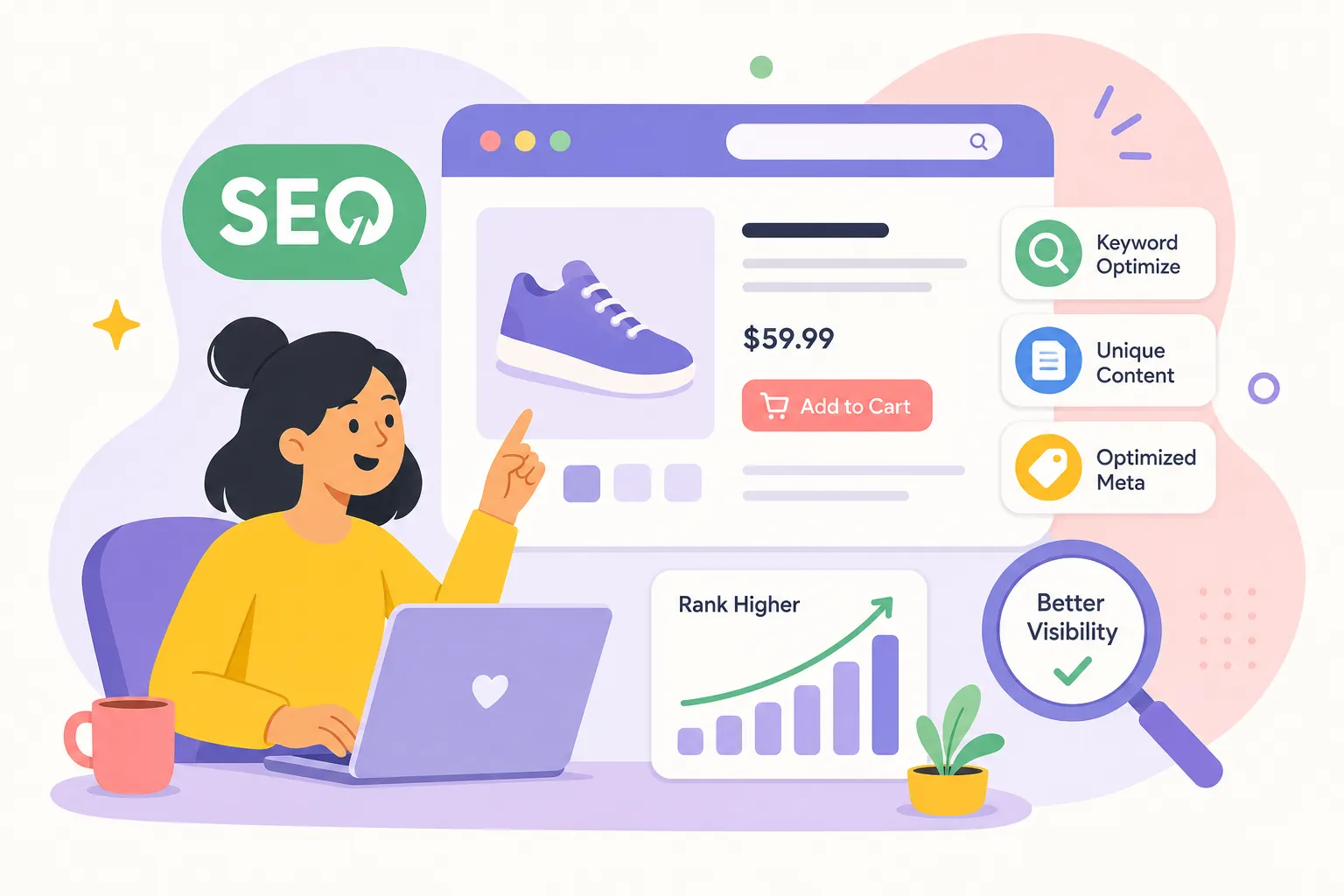
If you’re trying to improve product page SEO for online stores, this guide gives you a working audit process you can run on any product page today. Many stores prioritize paid channels, Google Ads, social campaigns, retargeting, while their product pages sit untouched from an organic search standpoint. Thin manufacturer descriptions copied across hundreds of retailers, missing schema markup, uncompressed hero images, and no keyword strategy mean Google may choose other, more distinctive pages to show for a query, reducing the chance your pages rank at all.
This is a practical product page checklist covering six high-impact areas: keyword mapping, title tags and meta descriptions, product descriptions, schema markup, image optimization, and Core Web Vitals. Each section builds on the one before it. Work through them in order, implement the fixes, and track your organic impressions in Google Search Console. Ranking and visibility improvements vary depending on indexing speed, competition, and site authority, but the gains do compound over time.
1. Do keyword research before touching any on-page element
The most common mistake store owners make is jumping straight into optimizing title tags and descriptions without knowing what buyers actually search for. Product keyword research is different from blog research because the intent is transactional, competition tends to be higher, and a wrong choice undermines every optimization effort that follows it.
Why one keyword per product page is the rule, not a guideline
When multiple product pages target overlapping terms, they compete against each other in Google’s index. This is keyword cannibalization, and it confuses search engines about which page deserves the ranking. Each product page should own one primary keyword plus a tight cluster of supporting variations so Google understands exactly what that page covers and why it’s distinct from others in your catalog.
How to find low-competition, high-converting product keywords
Long-tail product terms consistently outperform broad head terms for smaller stores. A query like “waterproof trail running shoes women’s size 9” converts far better than “running shoes” and faces a fraction of the competition. At AISEO Round Table, we’ve reviewed KWFinder as an editorial recommendation for non-agency users because it surfaces keyword difficulty scores and SERP data in a format that’s easy to act on, making it a practical starting point for mapping the right keyword to each individual product page.
Matching search intent to the right page type
Intent modifiers tell you which page type belongs at the top of results. Searches containing “buy,” “shop,” or a specific model number point to product pages. Searches with “best,” “review,” or “vs” often belong on collection or comparison pages instead. Assigning a keyword to the wrong page type means ranking the wrong URL, which hurts both rankings and conversions.
2. How to improve product page SEO with title tags, meta descriptions, and URLs
These three elements are what Google reads first and what shoppers see before they ever click. Getting them wrong is both a conversion and a ranking problem that no amount of off-page work can fix, they are the foundational layer of on-page SEO for product pages, and they deserve careful attention before anything else.
The title tag formula that works for product pages
Put the primary keyword near the front, add key product modifiers like brand, model, color, or size, and separate the store name with a pipe character if character space allows. Aim for under 60 characters and front-load the primary keyword, since Google truncates titles based on pixel width rather than a strict character count. A practical example: “Women’s Waterproof Trail Running Shoes | Brooks” works; “Shop Our Great Shoes for Running” does not.
Writing meta descriptions that earn the click
Meta descriptions are not a direct ranking factor, but they drive click-through rate, which affects real-world traffic. The most effective format leads with what the product does, adds a differentiator like free shipping or a warranty, and closes with a soft call to action. Keep it concise, commonly around 155, 160 characters, though Google displays meta descriptions based on pixel width and the query context. Think of it as a 10-second sales pitch to someone scanning a page of search results.
Building clean, crawlable product URLs
Short, descriptive slugs with hyphens are generally preferable to parameter-heavy URLs. A URL like /womens-trail-running-shoes/brooks-ghost-16 tells both users and crawlers exactly what the page covers. A URL like /product?id=4892&cat=12 tells them nothing. For color and size variants, maintain URL consistency and use canonical tags to prevent Google from treating each variant as a separate competing page.
3. Write product descriptions that rank and convert
The most widespread ecommerce SEO mistake is publishing the same manufacturer copy that appears on dozens of other sites. While Google doesn’t issue a manual penalty for this, copied descriptions create pages that are nearly impossible to distinguish from competitors in the index. The result is reduced ranking competitiveness, not a notification, just silence from organic search. For more on avoiding duplicate descriptions and their SEO impact, see PageOptimizer Pro’s practical guide to SEO for ecommerce product pages.
The two-layer format that balances readability and search value
Start with a short, benefit-led summary of two to three sentences at the top of the page for quick scanners. Follow it with a longer unique description using bullets and subheadings to cover materials, dimensions, use cases, and product differentiators. This structure serves both product description SEO and conversion: shoppers need specific answers before they add to cart, and pages that provide unique, comprehensive content are more distinctive in Google’s index, increasing the likelihood they rank ahead of thin competitors.
How customer reviews add indexable content you didn’t write
On-page reviews contribute long-tail keyword coverage organically. When a customer writes “these fit narrow feet perfectly, great for wide toe boxes,” that phrase can rank for searches you never thought to target. Reviews can also contribute to trust signals and add fresh, indexable content to a page without requiring additional copywriting. Display reviews directly on the product page rather than aggregating them off-site and surrendering the SEO value to someone else’s URL.
4. Add product schema markup to win rich results
Star ratings, price, and availability shown directly in Google search results come from product schema markup. This structured data is one of the most underleveraged ecommerce SEO best practices for smaller stores, and implementing it correctly can meaningfully improve click-through rates before a single visitor even lands on your page.
The JSON-LD properties every product page needs
The core implementation requires these fields: @type: "Product", name, image, description, sku, brand, and an offers object containing price, priceCurrency, availability, and priceValidUntil. The offers block is where most implementations break. If you’re on Shopify and need templates that scale, check product schema templates for Shopify that show common JSON-LD patterns and pitfalls: product schema on Shopify.
The availability field must use Schema.org URLs like https://schema.org/InStock, not plain text values like “In Stock.” Google won’t surface rich results from incorrectly formatted availability data, and this is a surprisingly common failure point even on well-maintained stores.
Adding review data and keeping schema accurate at scale
Add aggregateRating and review properties only when real, visible reviews exist on the page. Using off-page or fabricated review data violates Google’s structured data policies and risks losing rich result eligibility entirely. On Shopify and WooCommerce, plugins and theme templates can generate dynamic schema automatically, but manual auditing is still worth running. Automated schema frequently breaks during theme updates, price changes, or when a product goes out of stock, and the loss of rich results often goes unnoticed for weeks.
5. Optimize product images for search without slowing down your pages
Product images serve a dual purpose: they contribute to SEO through alt text and image search indexation, and they’re one of the leading causes of slow Largest Contentful Paint scores on product pages. Optimizing them correctly solves both problems at once.
File names and alt text: small details that add up
A file named blue-waterproof-hiking-boots-womens.jpg gives Google far more context than IMG00032.jpg. The same logic applies to alt text: describe what’s in the image clearly, include the product keyword naturally, and keep it to one accurate description per image. Never stuff multiple keyword variations into a single alt attribute. One image, one clear description, no exceptions.
Compression, WebP, and responsive delivery
WebP is a reliable default format for product photography. It typically delivers meaningful file-size reductions compared to JPEG at comparable visual quality, with documented benchmarks commonly citing savings in the 25, 30% range. Use srcset to deliver appropriately sized images to each device, so a mobile shopper on a slower connection isn’t downloading a desktop-resolution hero image. Apply lazy loading to gallery images below the fold so the primary product image loads first, which directly protects your LCP score without sacrificing the shopping experience. For practical tips on image optimization and ecommerce photography best practices, see this guide to SEO image optimization and ecommerce product photography.
6. Hit Core Web Vitals benchmarks so Google keeps ranking your pages
Google uses Core Web Vitals as a ranking factor, and product pages are a common area of weakness for ecommerce sites due to heavy images and interactive widgets. Heavy hero images, review widgets, size selectors, and third-party tracking scripts all loading simultaneously create the conditions for poor LCP, sluggish interaction response, and layout shifts on load. These aren’t abstract metrics, they’re the reason shoppers bounce before converting.
What LCP, INP, and CLS mean for product pages specifically
The three benchmarks in plain terms: LCP should be under 2.5 seconds, measuring how fast the main product image loads. INP should be under 200 milliseconds, measuring how fast the page responds when a shopper taps “add to cart” or selects a size. CLS should be under 0.1, meaning buttons, prices, and product images don’t shift position while the page loads. Check these using Google Search Console and PageSpeed Insights, evaluated at the 75th percentile across real users, not a single best-case test. Google’s official guidance on these metrics is the definitive reference: Google’s Core Web Vitals documentation.
The technical fixes with the highest ROI for ecommerce
Work through these in order, since they target the most common failure points on product pages:
- Preload the hero product image so the browser fetches it as a high-priority resource
- Convert the image gallery to WebP with lazy loading for all below-the-fold images
- Defer non-critical JavaScript, especially review widgets, chat scripts, and third-party tracking tags
- Set explicit width and height attributes on all images to prevent layout shifts during load
- Use a CDN to reduce latency for mobile shoppers on slower connections
These fixes directly target LCP and CLS, which are the two most common failure points on ecommerce product pages. Fixing INP usually requires auditing the JavaScript attached to your add-to-cart button, size selector, and image gallery, those are the interactions shoppers use most. For a broader practical perspective on Core Web Vitals and ecommerce, see the web.dev overview of vitals and Neil Patel’s ecommerce-focused guide: web.dev’s article on Vitals and Neil Patel’s ecommerce Core Web Vitals guide. If you want a short checklist tailored to site speed and UX improvements, consult our Core Web Vitals Optimization: Improve Website UX & Rankings resource.
Run this audit on one page today
Improving product page SEO is a repeatable audit process, not a one-time project. The elements in this guide form a practical checklist: keyword mapping, title tags and meta descriptions, unique product copy, schema markup, image optimization, and Core Web Vitals. Each one compounds on the others. A well-optimized product page earns better rankings, holds them longer, and converts more of the organic traffic it receives.
Keyword research stays the non-negotiable starting point. Without knowing which terms buyers actually search, the rest of the checklist optimizes the wrong goals. Revisit that step whenever you add new products or expand into new categories. The keyword landscape shifts, and your product pages need to shift with it. For a short, actionable checklist on why these signals are non-negotiable, review our Core Web Vitals: Your Checklist for a Faster Site.
Knowing how to improve product page SEO for online stores comes down to consistent execution across these six areas. Start with your highest-revenue product page, run through each section of this checklist, and track your organic impressions and clicks in Google Search Console. Ranking improvements often take several weeks to months depending on your site’s authority, competition, and how quickly Google re-crawls your pages, but small, focused improvements on individual product pages can produce measurable gains and compound over time. The AISEO Round Table library has step-by-step tutorials on keyword research tools, schema auditing, and on-page fixes built specifically for store owners and freelancers working without an agency budget; see our Step-by-Step SEO Audit Guide for Better Rankings to get started on an audit today.