You’ve spent weeks writing solid content. You’ve published the posts, submitted the sitemap, and waited. But your pages still aren’t showing up in Google search results. Sound familiar? The culprit is often not your content at all. It’s the technical foundation underneath it, specifically, how site speed and crawlability affect whether Google can discover, access, and rank your pages in the first place.
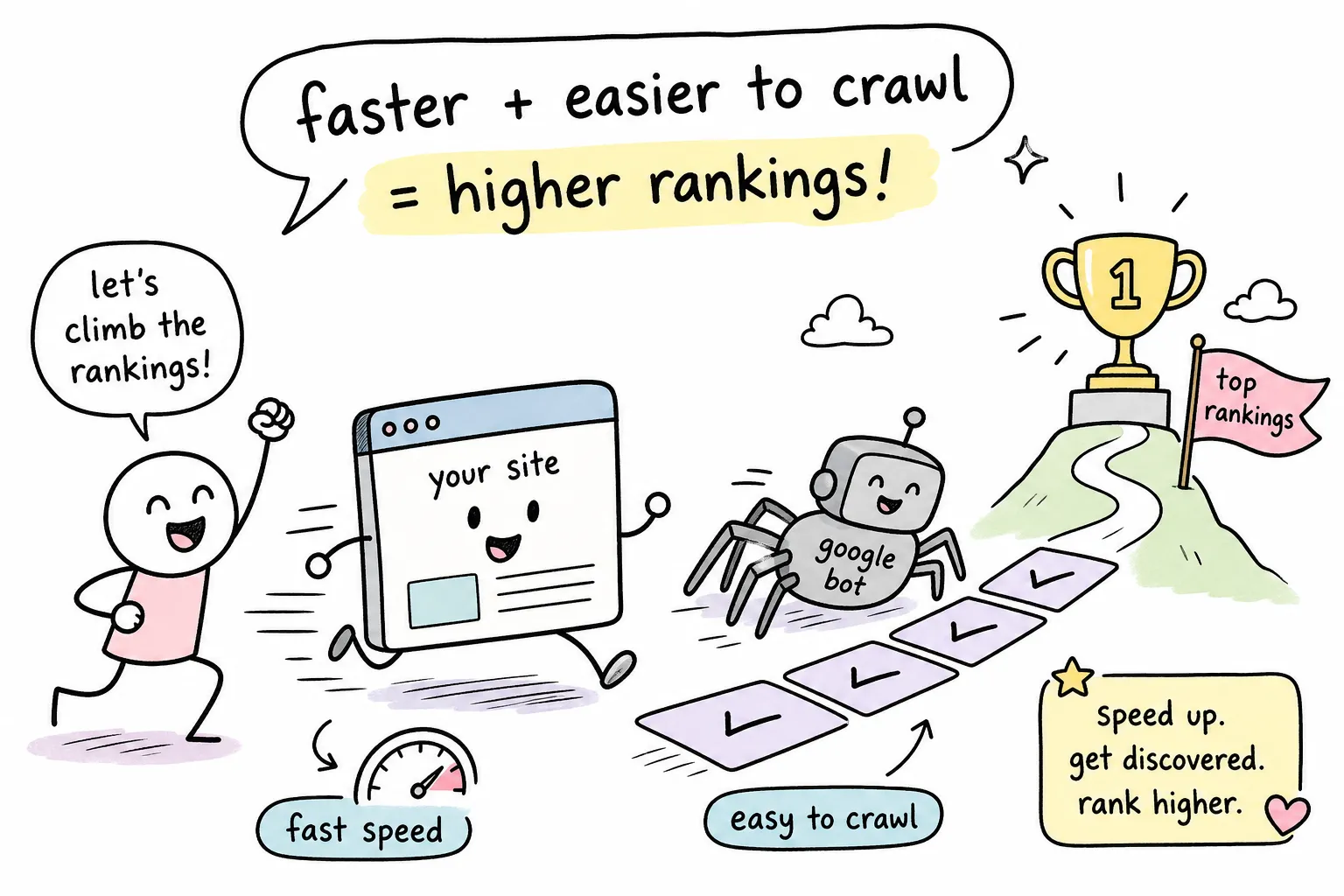
Page load speed refers to how quickly your content appears for a visitor and for Googlebot. Crawlability is Google’s ability to actually find and access your pages. Both are core components of technical SEO, and most beginners skip right past them when trying to figure out why their rankings are stuck.
This guide covers what each term means, why Google treats both as ranking signals, and how to run diagnostics using free tools that require zero developer experience. The AISEO Round Table technical SEO checklist series goes one level deeper on every fix here, with step-by-step instructions built specifically for non-technical site owners. Start here, and by the end you’ll know exactly where to look and what to tackle first.
What site speed and crawlability actually mean
Before you can fix anything, you need a clear picture of what these concepts are. Jumping into diagnostics without that foundation just leads to confusion.
Page load speed in simple terms
Page load speed is how long it takes for your page content to fully appear for someone visiting your site. One of the earliest and most important speed signals is TTFB, or time to first byte. This measures how long the server takes to send back the very first piece of data after a request is made. A slow TTFB means both your visitors and Googlebot are sitting idle waiting for the server to respond, and that delay compounds every other performance problem on the page.
Think of TTFB as the bottleneck at the beginning of a pipeline. Even if everything downstream is optimized, a slow server makes the whole experience sluggish. Google’s developer documentation sets the good threshold for TTFB at 800 milliseconds or under, measured at the 75th percentile of real user data.
What crawlability means for your site
Crawlability is Google’s ability to discover and read your pages. Googlebot, Google’s web crawler, follows links across the internet, lands on your pages, and passes what it finds to Google’s indexing system. If Googlebot can’t reach a page because of a robots.txt block, a broken link, or a server error, that page simply doesn’t exist from Google’s perspective.
Closely related is indexability: a page can be crawlable yet still excluded from search results due to a noindex tag, a canonical pointing elsewhere, or duplicate content signals. Crawling and indexing are two separate steps, and something can go wrong at either one.
How the two concepts connect
Site speed and crawlability aren’t isolated problems, they feed into each other. A slow server makes Googlebot less efficient per visit, which means it processes fewer pages before moving on. A bloated site full of low-value URLs burns through crawl resources that could have gone to your most important content. Fixing both in the right order is what actually moves the needle on rankings.
Why Google cares about both for your search rankings
Understanding the specific signals Google measures is what helps you prioritize your effort. The theory matters, but the metrics are where the real decisions happen.
Core Web Vitals as a real ranking signal
Google’s Core Web Vitals are official page experience signals used in ranking decisions. There are three metrics to know. LCP, or Largest Contentful Paint, measures how fast the main visible content loads, the good threshold is under 2.5 seconds. INP, or Interaction to Next Paint, measures how quickly the page responds to a user action, with a good score under 200 milliseconds. CLS, or Cumulative Layout Shift, measures visual stability, and a score under 0.1 means your page isn’t jumping around on users.
These metrics are measured from real user data at the 75th percentile, which means Google isn’t looking at your best-case lab result. It’s looking at how the page performs for most of your actual visitors. Slow, unstable pages hurt both rankings and the efficiency of Googlebot rendering, meaning poor performance can undermine how accurately Google processes and indexes your content.
How page load speed affects crawl budget
Crawl budget is the number of URLs Google is willing to fetch and process for your site in a given period. Faster pages don’t directly increase how often Googlebot shows up, but they do increase how many pages it can work through in a single session. For a small site with a dozen pages, this rarely matters. For a growing blog or affiliate site with hundreds of posts, it matters a lot.
The practical implication is straightforward: if Googlebot has to wait on slow server responses, it crawls fewer pages per visit, and your newer or less-linked content may sit undiscovered for longer. Speed improvements at the server level give Googlebot more room to work.
How to diagnose site speed and crawlability issues with free tools
Three free tools cover the full diagnostic picture for site speed and crawlability. You don’t need a paid platform to surface the most common problems, and all three tools described here require no developer experience to run.
Google PageSpeed Insights for speed problems
Google PageSpeed Insights analyzes any URL and scores it against Core Web Vitals thresholds using both lab data and real-world field data. The most useful sections are “Opportunities” and “Diagnostics,” which flag specific culprits like render-blocking JavaScript, oversized images, and slow server response times. Each issue comes with an estimated impact in milliseconds, so you can see at a glance which fixes will have the most effect. Start with the highest-impact items and work down.
Screaming Frog for crawlability issues
Screaming Frog is a desktop crawler that simulates many of Googlebot’s crawling behaviors, though it doesn’t perfectly replicate how Google processes JavaScript-heavy pages. The free version crawls up to 500 URLs and surfaces broken internal links, redirect chains, noindex tags, missing canonical tags, and pages blocked by robots.txt. Note that full JavaScript rendering is a paid feature, so JS-heavy sites may need the paid version for complete analysis. Run a crawl of your site, then filter results by status code and indexability. This shows you which pages are wasting crawl resources and which ones Googlebot can’t access at all. For straightforward sites under 500 pages, the free version covers the most common crawlability checks.
Google Search Console for indexing gaps
The Pages report in Google Search Console shows you exactly which URLs Google has indexed, which it has found but not yet indexed, and which are excluded along with the reason. Pay close attention to the “Discovered but not indexed” and “Crawled but not indexed” categories. The first means Google found the URL but hasn’t crawled it yet, often a crawl budget signal. The second means Google visited the page but decided not to index it, which usually points to a content quality or duplication issue. Both categories give you a direct map of where your indexation process is breaking down. For a practical walkthrough on interpreting the coverage data, the index coverage report guide is a helpful companion resource.
The highest-impact technical fixes to apply first
The sequence here matters. Fixing crawl blockers delivers faster results than chasing speed scores, because speed improvements don’t help a page that can’t be crawled in the first place.
Fix crawl blockers before touching speed
Before anything else, check for unintentional noindex tags, sections blocked in robots.txt, and pages returning soft 404 errors, pages that return a 200 OK status to Google but contain no meaningful content. These issues are invisible to visitors but completely visible to Googlebot, and they stop the indexing process cold.
Use Screaming Frog to audit your site for noindex tags and blocked URLs, then cross-reference with the Pages report in Google Search Console to confirm which pages Google can actually see. For small to mid-size sites, this process often takes under an hour and reveals obvious blockers that have been quietly killing indexation for months.
Cut server response time with caching and hosting
Reducing TTFB is the single most reliable improvement for both speed scores and crawl efficiency. For WordPress sites, enabling full-page server-side caching through a plugin like WP Rocket or W3 Total Cache is the fastest non-technical fix available. Moving static assets like images and CSS to a CDN further reduces the load on your origin server. If your server is consistently slow even after caching, a hosting upgrade is worth considering. Server-side caching typically cuts TTFB substantially, measure your before and after numbers to confirm the improvement, since results vary by site configuration and hosting environment. For a focused primer on why speed matters and how to prioritize improvements, see Why Website Speed Matters for SEO, AISEO Round Table.
Reduce render-blocking JavaScript for faster Googlebot rendering
Render-blocking JavaScript forces both browsers and Googlebot to wait for scripts to finish loading before they can display page content. Improving server TTFB and reducing render-blocking JS also improves Googlebot rendering accuracy, helping Google process your pages more completely during each crawl. The practical fix: defer non-critical scripts so they load after the page is visible, remove JavaScript your site no longer uses, and minimize third-party scripts like chat widgets, ad tags, and social embeds. PageSpeed Insights flags each of these specifically and estimates exactly how many milliseconds each fix saves, making it straightforward to prioritize without guessing.
Crawl budget optimization for sites with lots of pages
If your site has grown over time and now contains hundreds of URLs, some of that content is likely working against you. This is a “clean house” exercise that compounds over months.
Prune or consolidate low-value URLs
Every unnecessary URL competes for Googlebot’s crawl attention. On WordPress sites, the most common culprits are tag pages, author archives, category pages with minimal content, and parameter-based URLs generated by search filters or sorting options. Blocking these from crawling using robots.txt can help preserve crawl budget for your valuable pages. That said, robots.txt and noindex serve different purposes and each comes with trade-offs: robots.txt prevents Googlebot from crawling the URL entirely (which saves budget but also prevents Google from seeing any signals on that page, such as canonicals), while noindex allows crawling but excludes the page from the index. For thin parameter URLs you never want indexed and don’t need signals from, robots.txt is a reasonable choice, but review Google’s guidance on robots.txt and canonicalization before making changes at scale. Where thin pages cover similar territory, consolidating them into a single comprehensive page is usually the stronger long-term move.
Keep your XML sitemap clean and current
Your sitemap should function as a curated reading list for Googlebot, containing only canonical, indexable URLs that you actively want in the index. Redirected URLs, noindex pages, and 404s have no place in a sitemap and actively confuse Google’s prioritization. Most SEO plugins, including Yoast SEO and Rank Math, handle sitemap updates automatically if configured correctly. Check your sitemap settings before building any manual solution, because the fix is often already there and just needs to be switched on.
Use internal linking to guide Googlebot toward important pages
Internal links are how Googlebot navigates your site. Pages reachable within one or two clicks from your homepage get crawled more reliably and more frequently than content buried five levels deep. Review your most important pages and confirm that each one is linked from a main navigation item, a topic hub, or a recent high-traffic post. This structural adjustment often improves indexing speed faster than any technical tweak, because it directly tells Googlebot where to spend its time.
Site speed and crawlability: your action sequence
Site speed and crawlability aren’t separate problems sitting in different silos. Improving one consistently helps the other, and working through them in the right order makes both faster and easier to resolve. The sequence runs from crawl blockers to server response time, then render-blocking JavaScript, and finally URL architecture and sitemap hygiene. That order gives you the best return on the time you invest.
All three diagnostic tools covered here are free and capable enough to surface the most common issues on any site. Many of the fixes described above are manageable without a developer, especially crawl audits, sitemap cleanup, and caching plugin configuration. Some changes, like hosting migrations or advanced crawl log analysis, may require technical help, so know your limits and ask for support when a fix moves beyond your comfort level. The data is already available to you through these tools; using it is what separates sites that get found from sites that stay invisible. For additional step-by-step guides and troubleshooting, visit our Technical SEO Guides, Fixes & Website Optimization section.
The AISEO Round Table technical SEO checklist articles take every fix covered here one level deeper, with step-by-step instructions written specifically for bloggers and non-technical site owners who want to work through improvements without second-guessing each decision. Pick one diagnostic, run it this week, and fix the first thing you find. You’ve already done the hard part by showing up to figure this out, that single action puts you ahead of most sites competing in your niche. If you want a guided starting point, see our Technical SEO Checklist for Beginners, AISEO Round Table.